Records only when there is sound
Tap Start sleep before bed. Murmur listens quietly and saves a clip only when it hears sleep talk, snoring or other sounds — including the few seconds just before the sound started.

Murmur: Sleep Talk Recorder
Hear what you say in your sleep.
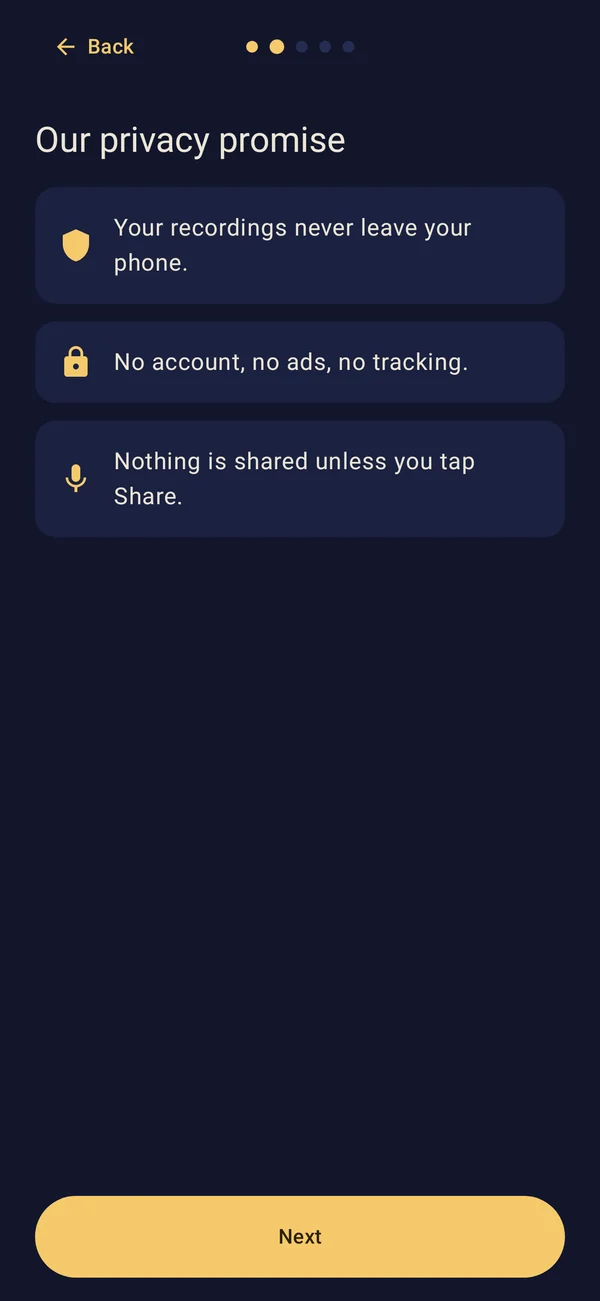
Your recordings never leave your phone.
Coming soon to Google Play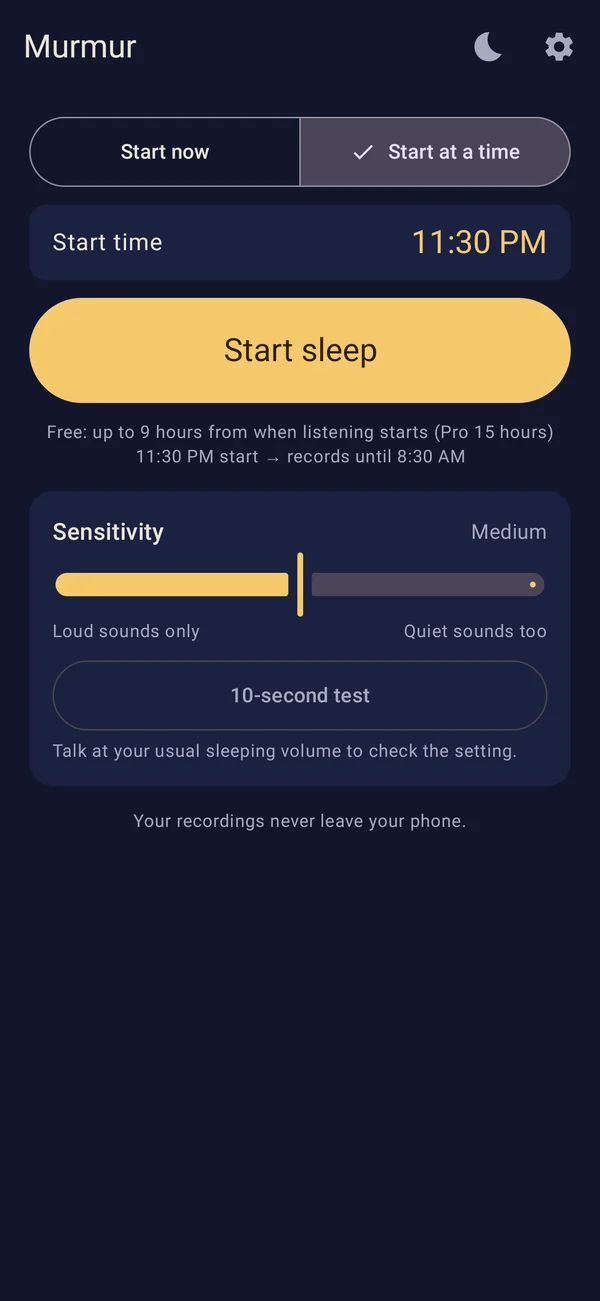
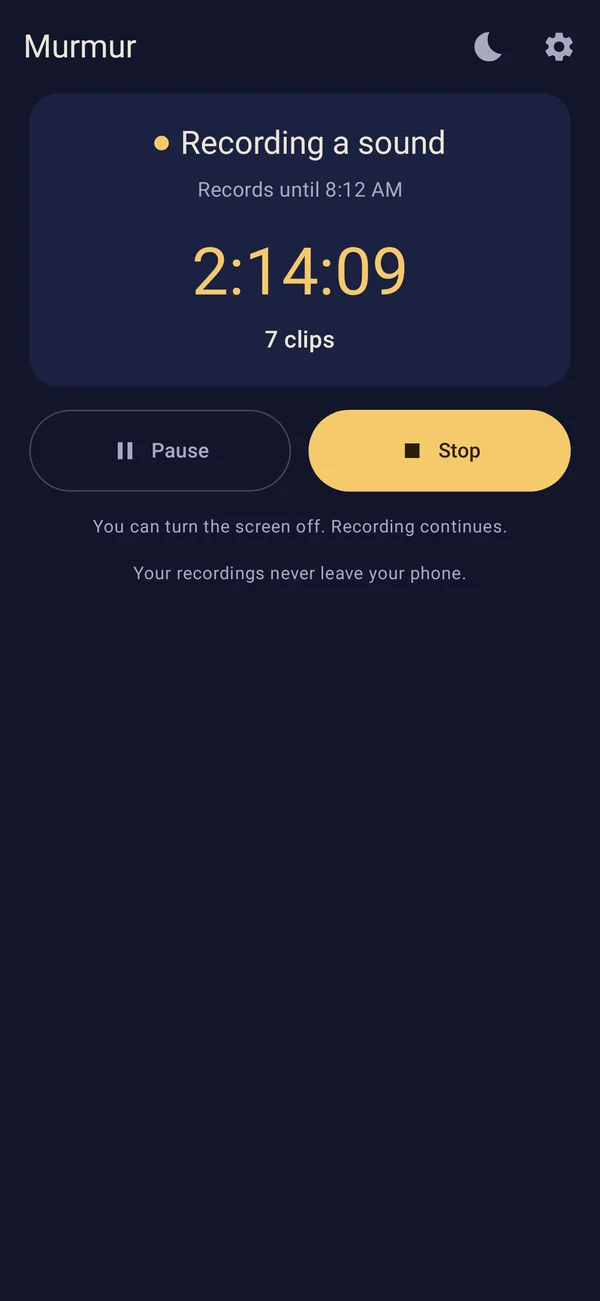
Tap Start sleep before bed. Murmur listens quietly and saves a clip only when it hears sleep talk, snoring or other sounds — including the few seconds just before the sound started.
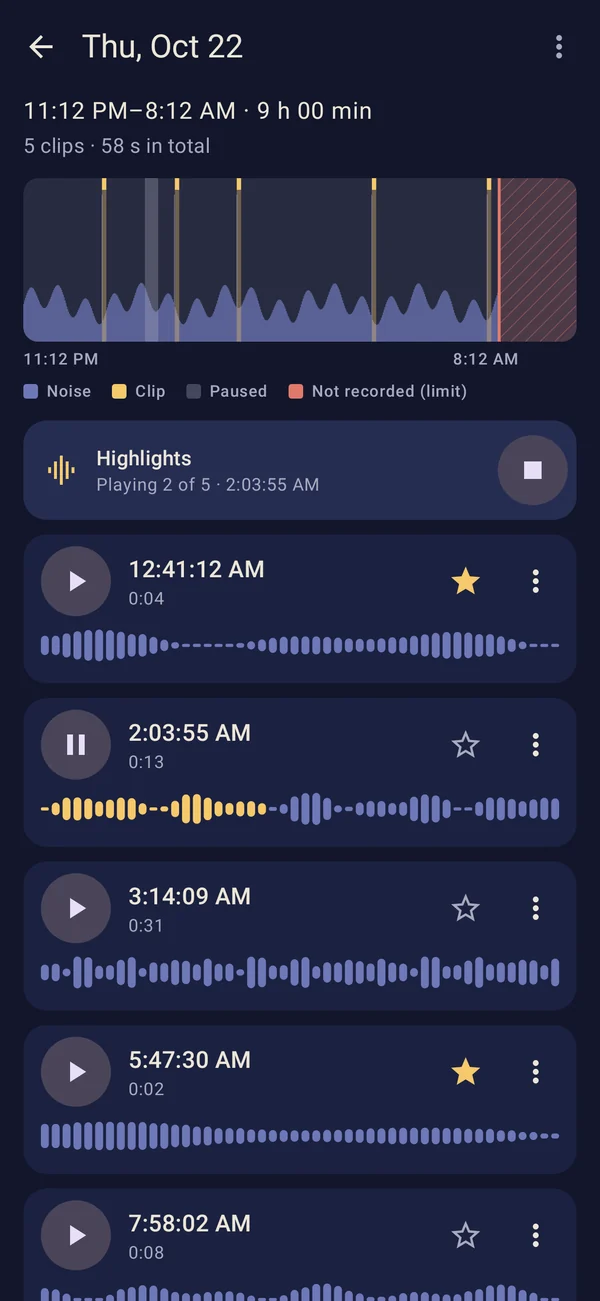
Each night gets its own timeline with a sound graph. Play clips, mark favorites and delete what you don’t need.
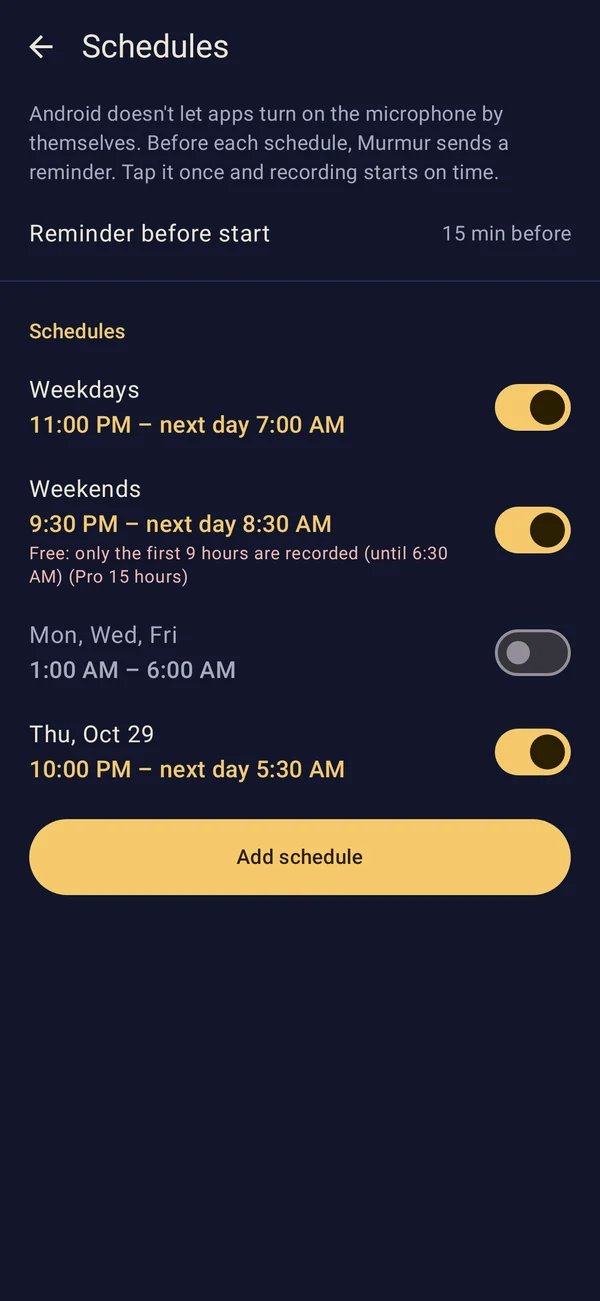
Set repeating or one-time schedules. Android doesn’t let apps turn on the microphone by themselves, so Murmur sends a reminder before each schedule — tap it once and recording starts on time.
Turn the screen off and recording continues. When the night ends, a summary notification tells you how many clips were recorded. You can turn it off.
Murmur has no internet permission. Recordings are kept in the app’s private storage and are not included in cloud backups. Uninstalling the app deletes them.
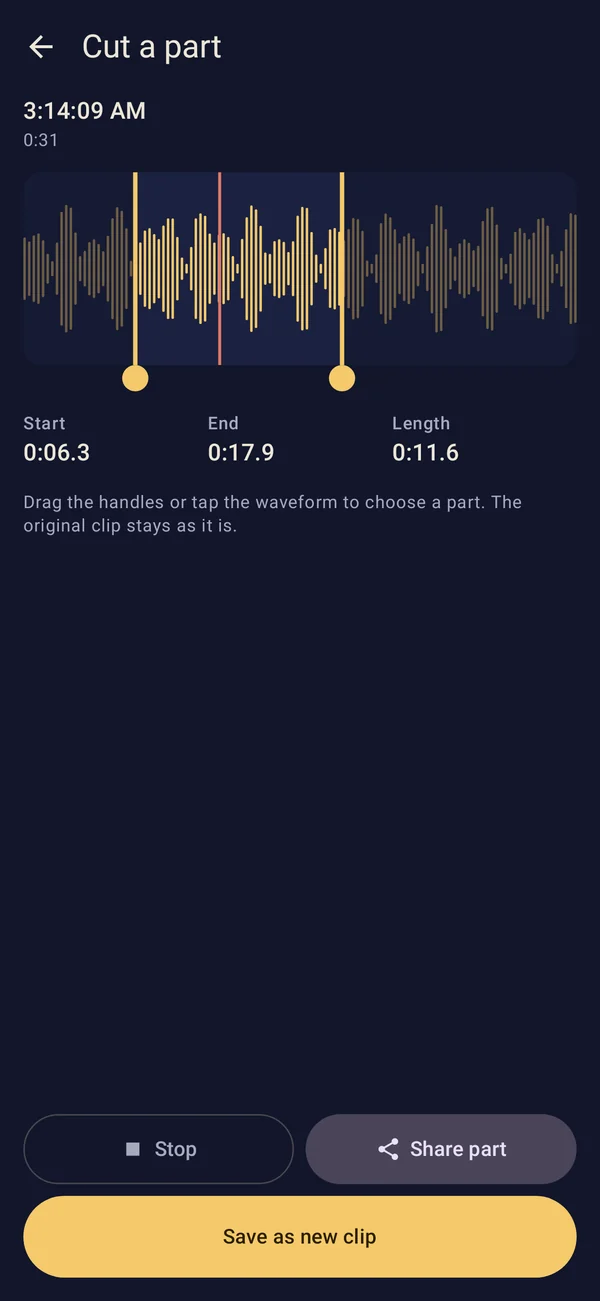
Listening to your sleep talk stays free. Pro is for keeping more, taking recordings out of the app and fine-tuning.
One-time purchase. No subscription.
No. Murmur has no internet permission, so it cannot send anything over the network. Recordings stay in the app’s private storage on your phone.
No. Pro is a one-time purchase through Google Play.
Android doesn’t let apps turn on the microphone by themselves in the background. Murmur sends a reminder before each schedule; tap it once and recording starts at the scheduled time.
They are deleted with the app. They are not included in cloud backups, so if you want to keep some, export them first (Pro).